
A service tool for technicians
When an Epson stops with “Service Required” or “the ink pads are at the end of their service life”, many owners search for the Epson Adjustment Program (often shortened to “AdjProg”). It is a service program for repair technicians, not something Epson offers to printer owners. Epson’s own support pages tell owners to contact Epson or a repair shop about the ink pads.
Two things set it apart from a simple reset tool:
- There is one program per printer model. A program for the L3110 is not the one for the L3210. Sellers describe it as “each printer model has [its] service (adjustment) program”, with different functions from model to model.
- It does much more than reset the counter. One seller lists functions such as EEPROM initial setting, waste ink pad counter reset, initial ink charge, head ID setting, top margin adjustment, Bi-D adjustment and USB ID input.
Why it needs care
Most of those functions change settings the printer was calibrated with at the factory. A technician uses them after replacing a print head or a main board. Used on a working printer by mistake, they can make things worse. The same seller warns that “misuse of a program may damage printer’s EEPROM”.
Copies passed around online bring extra questions:
- You cannot tell where the file came from or check that it has not been changed.
- A copy for the wrong model, or the wrong region of the same model, may not work, or may write the wrong values.
- Many copies were written for old versions of Windows, and there is no Mac version.
If you only need to clear the ink pad error
Clearing the “Service Required” message only needs one thing: the waste ink pad counter set back. A counter reset tool does that one job and leaves everything else alone.
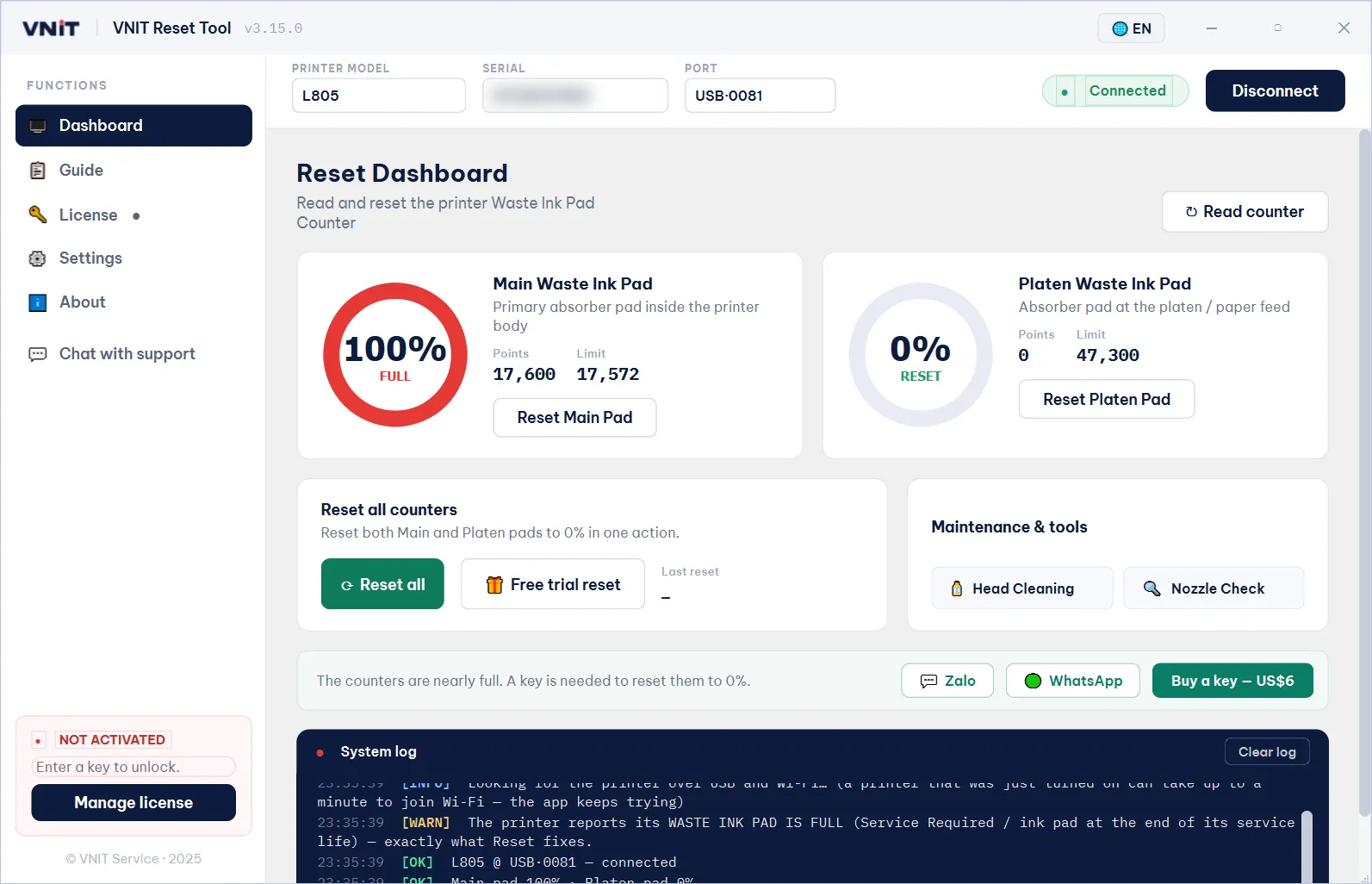
| Epson Adjustment Program | VNIT Reset Tool | |
|---|---|---|
| Made for | Repair technicians | Printer owners and technicians |
| Models | One program per model | One app for more than 1,100 Epson models |
| What it changes | Many service settings, including the counter | Only the waste ink counters (plus head cleaning and nozzle check) |
| Computers | Windows | Windows and Mac |
| Try before paying | Depends on the seller | Read the counter free, one free trial reset per printer |
VNIT Reset Tool reads the counter for free, lowers it to 80% once per printer for free, and resets it to 0% with a US$6 key. See which printers it supports, or read the three ways to reset the counter, including other reset programs and Epson service.
When a technician is the better choice
Some jobs are not about the counter at all: a replaced print head, a new main board, or print quality that alignment in the normal printer software cannot fix. Those are jobs for a repair shop with the right service tools and parts.
Whatever you use, check the pads
Any reset, with any program, only clears the count. The ink the pads have soaked up stays in the printer. Look at the pads after a reset, and wash or replace them, or fit an external waste ink tank. How to handle the pads after a reset.