
The short answer
No button combination and no factory reset clears the Epson waste ink pad counter. The counter is a number the printer keeps in its own memory as it sends ink to the waste pads. It is not one of the settings that “restore default settings” puts back, and it survives switching off or unplugging the printer. That is why videos promising a “button reset” do not work on the “ink pad is at the end of its service life” error.
What each “trick” actually does
| What people try | What it really does | Clears the ink pad counter? |
|---|---|---|
| Restore default settings / factory reset (models with a screen) | Puts settings such as network and paper back to default | No |
| Holding a button while switching on | Starts a self-test or another built-in function, depending on the model | No |
| Unplugging the printer, waiting, plugging it back | Restarts the printer | No |
| Pressing the button when the pads are nearly full | On some models lets you keep printing for a while (see below) | No, it only postpones the stop |
| Reinstalling the printer driver | Changes the computer, not the printer | No |
The button that does help, a little
When the pads are only nearly full, Epson lets you carry on for a while on some models. On the L3110, for example, Epson’s user’s guide says a message may appear on the computer that lets you continue, and pressing a copy button keeps it printing. Once the counter reaches the limit, the printer stops and the button no longer helps.
What does clear the counter
- Epson’s service, which replaces the pads and resets the counter. In North America Epson has also offered a one-time reset utility for some models.
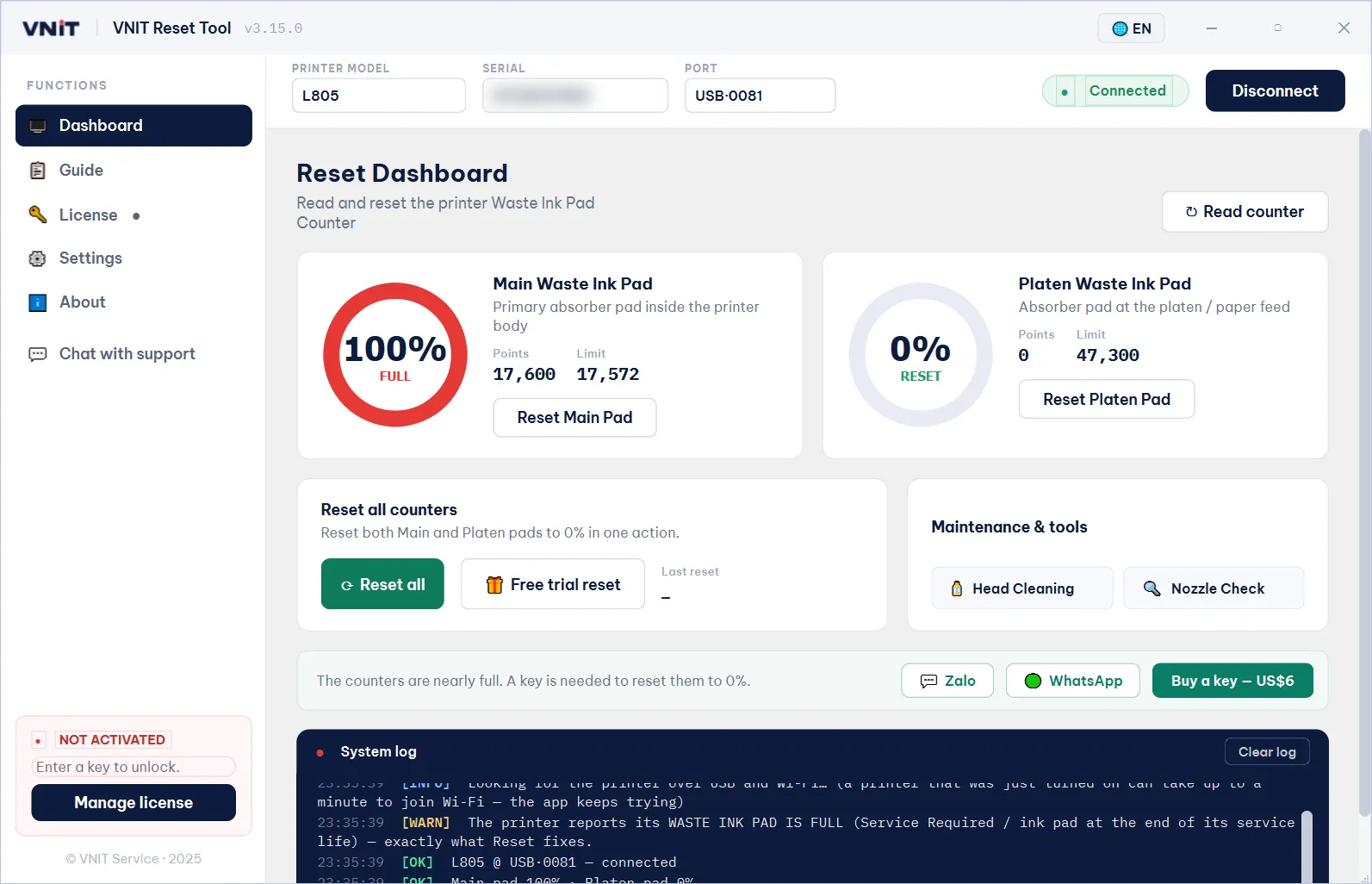
- Reset software that talks to the printer over a USB cable and writes the counter back. VNIT Reset Tool reads the counter for free and has a free trial reset to 80%; a full reset to 0% needs a key.
Either way, switch the printer off and on afterwards: it reads the new counter at start-up. Error still there after a reset?
Before you reset: check the pads
The counter is there because the pads really do fill with ink. A reset changes the number, not the pads. If the printer has printed a lot, wash or replace the pads, or fit an external waste tank, or ink can leak out underneath.
Is it really the ink pads?
Blinking lights can also mean a paper jam or something stuck inside, and those are fixed by hand, not by a reset. Read the counter for free to see each pad as a percentage before you spend anything.
Sources
- The Register: Epson says pad saturation behind 'end of service life' alert (Aug 2022)
- Epson L3110 User's Guide — Product Light Status (continue printing when the ink pad is nearly full)
- VNIT Reset Tool user guide (how the counter is read and written)